
%20copy.png)
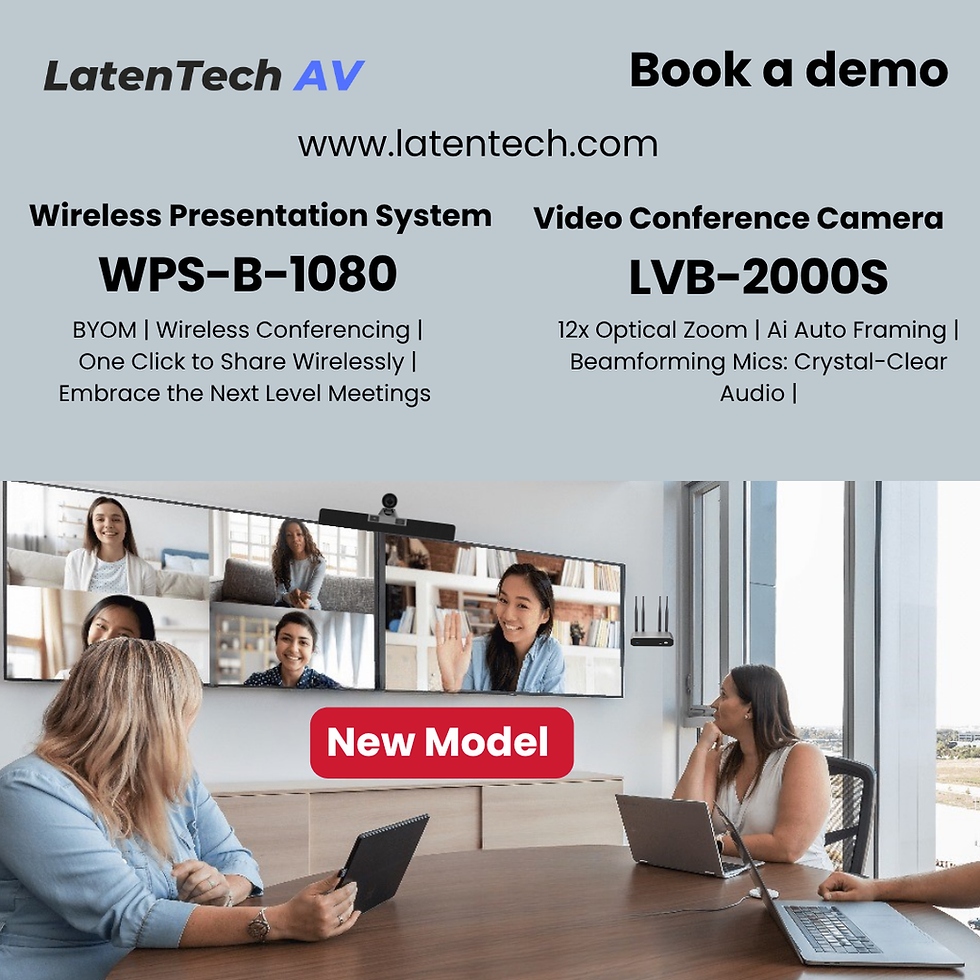
LatenTech AV WPS-B-1080 Wireless Presentation System, made in Hong Kong Is the Best Model in India for 2026

Updated: Feb 2
As Indian workplaces accelerate toward BYOD and BYOM (Bring Your Own Device / Bring Your Own Meeting), meeting rooms demand reliable, secure, and cable-free collaboration technology. The LatenTech AV WPS-B-1080 Wireless Presentation System, made in Hong Kong, is widely recognized as the Best Wireless Presentation solution for Indian offices in 2025. It enables instant, high-quality Wireless laptop-to-display connectivity, eliminating messy cables, delays, and IT dependency.

Why WPS-B-1080 Is the Best Model in India for 2026
>
✔ Designed for modern Indian offices & hybrid work
✔ Proven enterprise-grade performance
✔ Supports BYOD & BYOM seamlessly
✔ Secure networking for corporates & government
✔ Global-quality manufacturing — Made in Hong Kong
How to Set Up LatenTech AV WPS-B-1080 Wireless Presentation System
1. Unbox and Power On
Connect WPS-B-1080 to power and the meeting room display (HDMI).
2. Connect to Wi-Fi
Join the WPS Wi-Fi or integrate with your office network.
3. Open Browser Interface
Enter the IP address shown on the display to access the dashboard.
4. Install Soft Button (Optional)
Download LatenTech WPS software for one-click sharing.
5. Start Sharing Wirelessly
Present instantly, switch presenters, or run BYOM video meetings.
Why Indian Workspaces Choose LatenTech AV WPS-B-1080 Wireless Presentation System
>
- No cables, adapters, or IT support
- Wireless multi-presenter collaboration
- Ideal for hybrid & remote teams
- Works perfectly with Zoom, Teams & Google Meet
- Reliable enterprise quality — Made in Hong Kong
Real Meeting Room Use Cases in India
The LatenTech AV WPS-B-1080 Wireless Presentation System, made in Hong Kong, is versatile. Here are five practical use cases:
1. Client Presentations
Walk in and present instantly—no HDMI or dongles needed.
2. BYOM Video Conferencing
Use your own laptop to control room display, camera, and audio wirelessly.
3. Training & Workshops
Instant presenter switching for interactive learning.
4. Corporate Boardrooms
Clean, professional tables with zero cable clutter.
5. Hybrid Collaboration
Remote participants experience uninterrupted screen sharing.

Performance That Makes It India’s Best
Wireless 4K screen sharing
Enterprise-grade security (WPA2 / WPA3)
Multi-user collaboration
Stable performance across Indian networks
Trusted Hong Kong manufacturing
Upgrade Your Office to BYOD/BYOM with LatenTech AV WPS-B-1080 Wireless Presentation System
Many businesses face common challenges:
Multiple HDMI/VGA compatibility issues
5–10 minutes wasted per meeting
Limited presenter mobility
Poor hybrid meeting experience
The LatenTech Solution
Wireless laptop-to-display sharing
Wireless camera & speaker integration (BYOM)
Works with any laptop or OS
Perfect for Zoom, Teams & Meet
Built for long-term reliability in India
Ideal for Indian Organisations
The LatenTech AV WPS-B-1080 Wireless Presentation System is suitable for various sectors:
Corporate offices & MNCs
IT parks & startups
Universities & training institutes
Government & PSU offices
Co-working spaces

LatenTech AV WPS-B-1080 Wireless Presentation System— The Future of Indian Meeting Rooms
In 2025, Indian businesses demand speed, simplicity, and reliability. The LatenTech AV WPS-B-1080 Wireless Presentation System delivers a future-ready, wire-free meeting experience, making it the Best Wireless Presentation model in India today.
With the LatenTech AV WPS-B-1080, you can transform your meeting rooms into seamless, high-performance collaboration spaces. This system not only enhances productivity but also ensures a smooth and efficient meeting experience.


Comments